
Are you a NON-TECHIE Business Owner?
Wanting to BUILD your own
Profitable WordPress Website
without the tech overwhelm?
Go From UNCERTAINTY to UNDERSTANDING WordPress.
CREATE A WEBSITE that truly reflects your business
Confidently Do It Yourself & make changes with ease.

Maybe you have an EXISTING WordPress site
that you’ve had for a while that needs an update.
Perhaps you’ve built it yourself & it’s not exactly how you want it,
OR you’ve had it built by someone else.
but you’re not sure how to use it or make changes.
You’re WORRIED about BREAKING IT,
Or getting HACKED (whatever that means)
or that you’re paying for things you don’t need.
Maybe you’ve had a bad experience &
want the freedom to Do It Yourself.
Maybe you’re short on time and want to learn fast
(Even if you plan on outsourcing it later.)
Or you’ve got more time than finance
& need to learn how to make this work for your business.
If this sounds like you!
You’re in the right place!
Introducing a Non-techie Friendly way to
Learn WordPress & Build A Website

NCDAcademy WordPress101® – Build
PART 1 of 3 PART WordPress Beginner’s Programme.
- Learn to create Your Website from Scratch
- Easy, Convenient, and Actionable Learning
- Bite-sized Video Training for Beginners
- Supported Self-Study with Live WordPress Help
- Step-by-Step Guidance, No Experience Required
Boost Your Business Online
with a Profitable WordPress Site
Make More Money & Impact More Lives!
Ready to turn your website ideas into reality?
Website Creation for Non-techies
If you're passionate about your business and want to take it to the next level by creating your own WordPress Website. Even with no experience! You've come to the right place!
Website Creation for Non-techies
Are you a non-techie business owner and wanting to BUILD a PROFITABLE WordPress website for your business? (even with no experience.)

Ditch the tech overwhelm!
I get it! Building your own can be tricky, but when you're non-techie it adds a whole new level. Things that come seemingly easy to others, tend to take you a lot longer. It requires a lot more of your attention and can feel totally overwhelming trying to tackle the tech.
Or maybe you're not tech-averse but have no clue where to start when it comes to constructing your website with WordPress
Elevate Your Business
You're not here just to build a website; you're here to build a PROFITABLE WordPress Website. One that catapults your earnings sky-high and frees up time for cherished moments with your loved ones, pursuing your passions.
Power to Do It Yourself
Imagine the FREEDOM of total DIY control. Craft a website that TRULY mirrors your business identity. Add, tweak, and customize with the ease of a seasoned pro. Feel CONFIDENT and SECURE in your site management, knowing you're steering your business towards GROWTH.
Learn WordPress Fast
Don't navigate WordPress solo. Say goodbye to endless resource hunting, head-scratching, and unexpected costs. Begin your WordPress journey on the right note. ACCELERATE your WordPress adventure with a mentor committed to EMPOWERING non-techies, backed by over 15 years of site development expertise & passionate for helping you succeed! 🙂
Expert Guidance, When You Need It
But that's not all! WordPress101 Programme offers SUPPORTED SELF-STUDY with LIVE support and interactive Q&A sessions. No more navigating the digital landscape alone. With step-by-step instructions, you'll be amazed at how quickly you'll progress, even if you have zero experience.
Your online success story starts NOW. Join us!
Testimonials from WordPress101 Students
As a WordPress101 - Build Student, you'll explore:
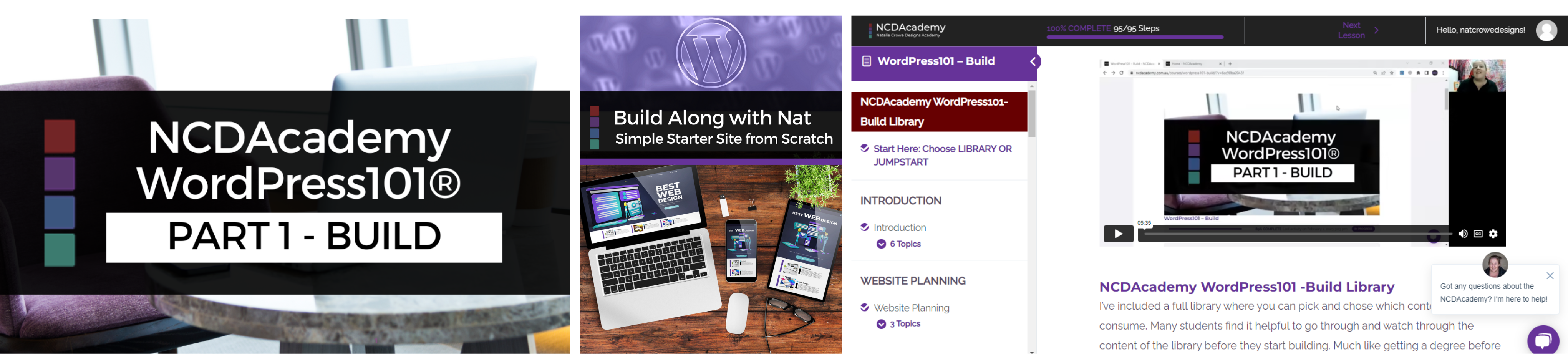
Two Learning Pathways Included!
All students have lifetime access to both learning pathways.
Choose your own adventure working through our Beginner Friendly How-To Video Library.
Or dive right into the “Build Along With Nat” training series that will help you build a basic 5 page website fast!
Explore the How-To Video Library
Uncover the heart of WordPress. Master the fundamentals, from installation and configuration to website creation, search optimization, and more, all through user-friendly bite-sized videos. Jump in as needed or steadily advance through the 12 Targeted Mini Modules at your own pace.
Introduction
Before you start, differences between types of WordPress, WordPress Hosting & more
Website Planning
Brainstorming your ideas & creating a plan for your website
Design & Layout
Visual Designs, Colours & layout of your site and pages
Content Planning
Choosing Pages, Structure & Functionality.
Installing WordPress
How to install based on your Hosting Environment
Foundations & Configurations
Basic of using WordPress and Configuring WordPress for the First Time
Plugins & Themes
What they are, how you get them, what you do with them , maintaining them etc.
Publishing
Creating Pages & Posts, Using Visual Builders, Adding Images, Videos, Links & More
Introduction to SEO & Site Optimisation
Brief Introduction to Search Engine Optimisation & Website Optimisation
Introduction to Maintenance & Security
Brief Introduction to WordPress Backups, Updates & WordPress Security
Connecting To The Search
Essential Tasks once you’ve built your website, submitting your site to the search for indexing.
BONUS: Setting Up A Basic Online Shop
Introduction to the FREE Plugin Woocommerce. How to create a simple shop, connect PayPal or Stripe to accept payments and more.

FAST TRACK! Build Along With Nat (Training Series)
An opportunity to jump right into creating your website together.
WATCH & IMPLEMENT Videos.
The 'Build Along With Nat' training series offers a step-by-step tutorial-style approach to constructing a fully functional WordPress website from the ground up.
From brainstorming your website concepts to taking it live and optimizing it for search engines, I've got you covered!
Watch each video in order, and implement as you go.
It's up to you whether you smash it out in a WEEKEND or a IMPLEMENT over a week or two.
No need to choose a path right now!
You've got lifetime access to both
via the Student Portal.
WordPress101 - Build Demystifies WordPress, so you can
- Easily navigate the WordPress Dashboard
- Explore plugins & themes with confidence
- Build a solid foundation for your website with essential knowledge.
Unlock Nat's 15+ Years of WordPress Expertise
- Covering everything from WordPress basics to going live.
- From selecting the right hosting and planning your website.
- Choosing Plugins & a stunning site theme.
- Designing, adding content, and customising your website.
- Confidently taking care of WordPress Maintenance & Security.
- Connect to search and launch your site.
& BEST OF ALL, YOU'VE GOT
Instant LIFETIME Access On Enrollment
More feedback from my students:


SEAL THE DEAL with EXCLUSIVE BENEFITS
for WordPress101 - Build Students

Every ENROLLMENT gets 2 MONTHS LIVE ACCESS to the
WordPress Learners Lounge 'VIP' Membership
- 2-month BONUS VIP WordPress Learners Lounge Membership
- Fortnightly & Recorded Group Q&As for expert WordPress guidance.
- Monthly Content & Exclusive Accountability Community
Let my VIP Members share their experiences!
RECAP IN A GLANCE
- WordPress101 Build - Video Library; covering all the essentials.
- Fast-Track Site creation with "Build Along With Nat" Training Series
- 2-month BONUS VIP WordPress Learners Lounge. Including Fortnightly Live Calls, Content & Accountability Community
CHOOSE YOUR PAYMENT OPTIONS

- Terms & Conditions Apply*
- Due to nature of digital product, access to resources and recording. All membership fees are non-refundable.
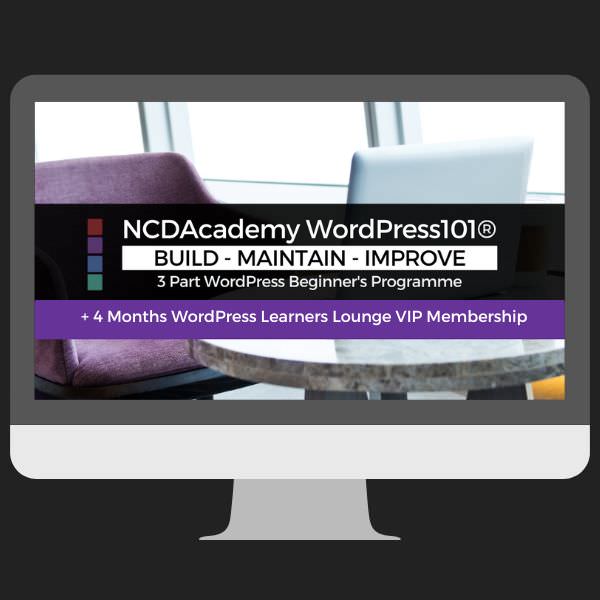
WANT TO BUNDLE & SAVE??
NCDAcademy WordPress101®
is a 3 Part Programme.
Get Access to:
- WordPress101 – Build,
- WordPress101 – Maintain &
- WordPress101 – Improve
- + 4 months VIP Live Access
VIEW BUNDLE PRICE
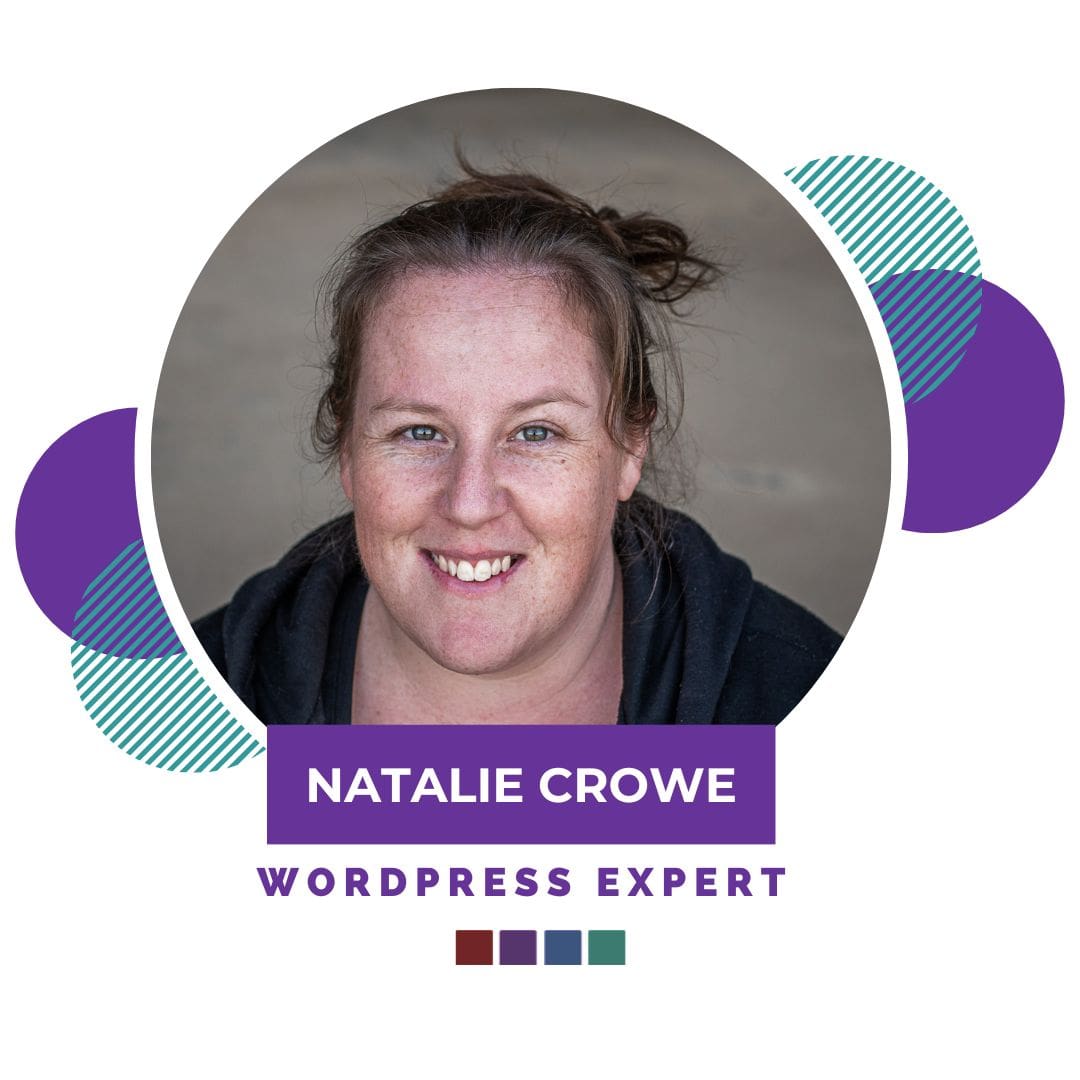
I’m Nat Crowe – the WordPress Expert from Oz.
15+ Years Experience & passionate about helping you demystify tech.
I’m a Big believer anyone can learn! And with over 100 students currently. I can’t wait for you to realise what you’re capable of and to be celebrating with you! 🙂
