learn-wordpress-for-beginners-nataliecrowedesigns

Mini WordPress Website Audit for Non-Techies

If you’re a non-techie small business owner with a WordPress website, there’s a good chance you’re flying solo when it comes to making sure your site is actually doing its job.

You might have…

✔ Built the site yourself using a theme or builder
✔ Had a developer help you out at some point
✔ Or inherited a site that “mostly works” but feels a bit… clunky, confusing, or out of date

Your site might look okay on the surface. But what’s happening underneath?

Here’s what I see time and time again in the WordPress websites I audit:

  • Outdated settings or missing SEO basics
  • Confusing navigation and messy page structure
  • Broken links or buttons that lead nowhere
  • Mobile layouts that look wonky or don’t function properly
  • Slow load speeds that chase visitors away
  • And unclear messaging that leaves people thinking “what do you actually do?”

Now, if you’re not a developer or SEO expert (and you don’t want to be), spotting those issues is hard — and fixing them feels even harder.

That’s where a fresh set of expert eyes can make all the difference.


Introducing: The Mini WordPress Website Audit 🎥

This is a done-for-you, no-jargon, totally non-techie-friendly review of your WordPress website — built especially for small business owners like you.

Here’s how it works:

  1. You complete a short questionnaire — just a few simple questions about your business, your audience, and your site.
  2. I do the rest remotely — no need to book a call or jump on Zoom.
  3. You receive a personalised review:
    • A 20-minute video walkthrough of your website (via Loom)
    • A plain-English list of what’s working, what’s not, and what you can tweak or improve
    • A 10% discount code you can use for NCDAcademy WordPress101® or a Power Hour session
      (No pressure — you don’t have to use the code straight away!)

Who is this for?

This is perfect for you if:

  • You’re a non-techie small business owner with a WordPress site
  • You’re not sure if your site is helping or hurting your business
  • You don’t have the time or budget to hire someone for a full rebuild
  • You want honest, practical advice from someone who’s been doing this for a long time — without the jargon, judgement, or overwhelm

Why me?

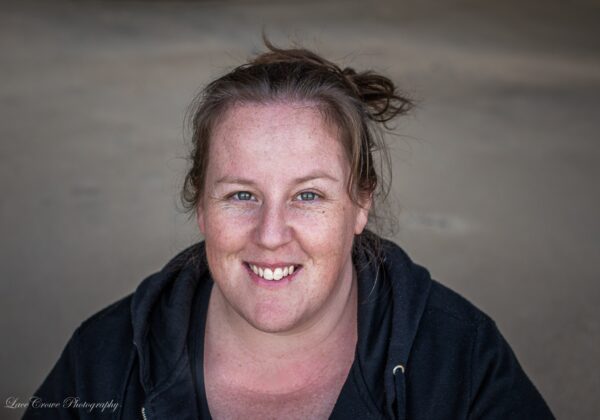
👋 I’m Natalie Crowe — WordPress Developer turned educator with 17+ years of experience. I’m the founder of NCDAcademy, where I help non-techie business owners confidently build, maintain, and improve their WordPress websites, courses, and funnels — step by step.

This Mini WordPress Website Audit is a low-pressure, high-value starting point if you’re ready to get clarity, direction, and a plan for what’s next.


Ready to get started?

Your website should be working just as hard as you are.
If it’s not, let’s fix that — together.

Order Your Audit Today!


Share:

Facebook
Pinterest
LinkedIn
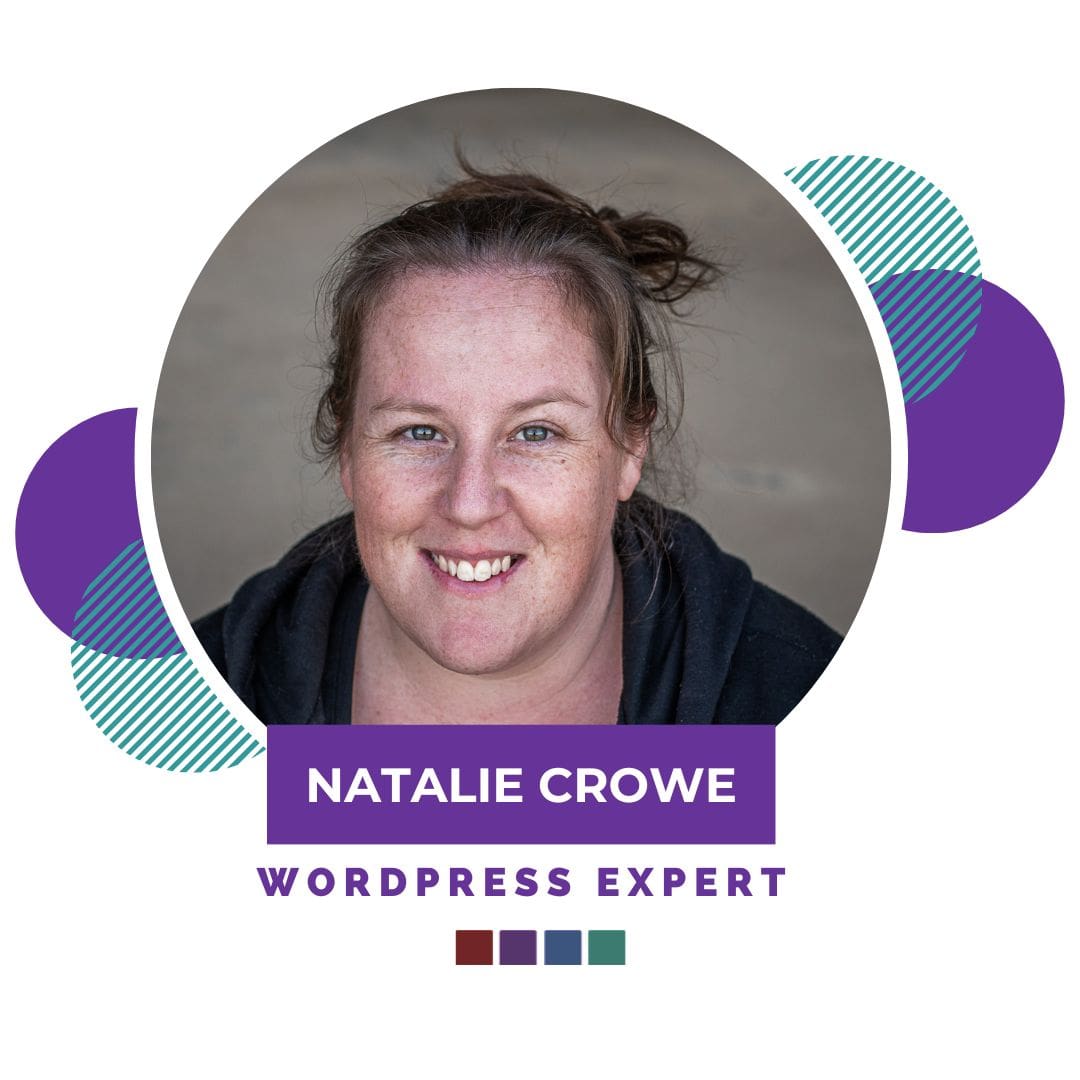
Picture of Natalie Crowe - WordPress Expert

Natalie Crowe - WordPress Expert

WordPress Expert with 15+ years industry experience.

Passionate about empowering non-techies in business, to DIY their own WordPress websites and tech, without the tech overwhelm.

Creator of the NCDAcademy WordPress101® – 3 Part WordPress Beginner’s programme & the WordPress Learners Lounge Membership

Leave a Comment

FREE WordPress Website Planner for non-techies planning to build their own WordPress Website. | WordPress Courses UK, WordPress Courses Australia | WordPress Training

Browse By Category

FREE Facebook Group

Join the Membership

Uncategorized
Natalie Crowe Designs

Can I Learn WordPress Without Knowing How to Code?

A beginner-friendly answer for non-techie business owners One of the biggest questions I hear from non-techie business owners is this: Can I learn WordPress if I do not know how to code? The answer is yes. You absolutely can learn WordPress without knowing how to code. You do not need to be a developer.You do not need to understand HTML, CSS, PHP or JavaScript.You do not need to build your website from scratch using code.

Read More »
On Key

Related Posts

Can I Learn WordPress Without Knowing How to Code?

A beginner-friendly answer for non-techie business owners One of the biggest questions I hear from non-techie business owners is this: Can I learn WordPress if I do not know how to code? The answer is yes. You absolutely can learn WordPress without knowing how to code. You do not need to be a developer.You do

What's New - WordPress 7 & Why It Matters

WordPress 7.0 Is Here… Here’s What Actually Matters for Non-Techies

If you’ve been hearing people talk about the new WordPress 7.0 update and wondering what on earth it actually means for you… you’re not alone. Every major WordPress update seems to come with lots of tech jargon, developer talk, and people either acting like the sky is falling or that WordPress has suddenly become magical

Before You Update to WordPress 7.0: 5 Important Things You Should Do

If you’ve logged into WordPress recently, chances are you’ve already seen the notification encouraging you to update to WordPress 7.0. And while it can be tempting to hit the update button immediately and hope for the best… I’d strongly encourage you to slow down for a moment first. Because here’s the thing most non-techie website

WordPress Expert Natalie Crowe from Natalie Crowe Designs & the NCDAcademy. WordPress for Beginners | WordPress Courses | Learn WordPress with Natalie Crowe | Self-made WordPress websites

WordPress Expert with 16+ years industry experience.

Passionate about empowering non-techies in business, to DIY their own WordPress websites and tech, without the tech overwhelm.

Creator of the NCDAcademy WordPress101® – 3 Part WordPress Beginner’s programme & the WordPress Learners Lounge Membership

Natalie has generated over $750K in sales helping non-techies globally build PROFITABLE WordPress Websites.

LGBTQI Mama of 1, she and her wife and their teenage daughter live in the Hunter Valley NSW, Australia (2 Hours out of Sydney).

“WordPress + Tech doesn’t have to be complicated. I’m a strong believer anyone can learn & I’ve made it my goal to help as many non-techies as possible! ”

Shopping Cart